The day's work in one place
Housing officers, support workers and managers sign in at their organisation's staff address and start from what needs attention now.
What the staff console covers
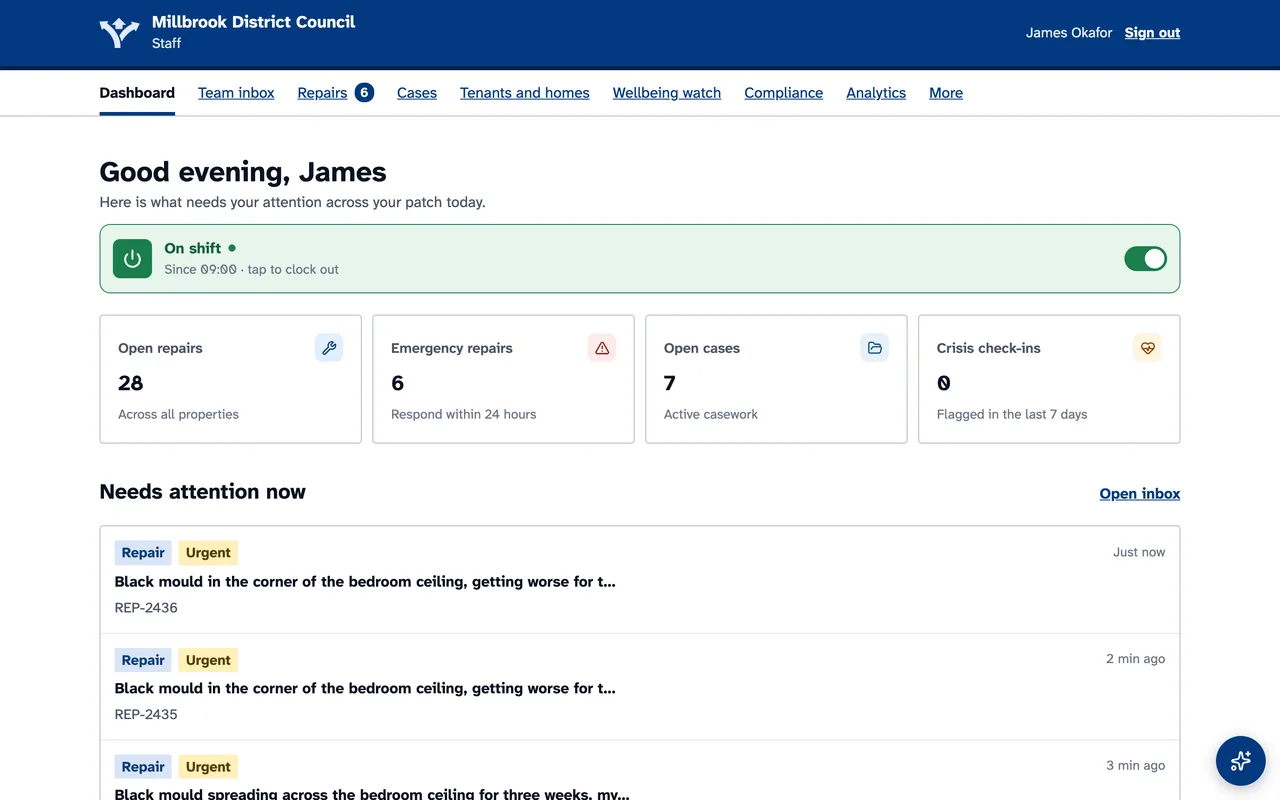
Screens shown with demonstration data.
Needs attention now
Emergency repairs, high-risk cases and crisis check-ins at the top of the day.
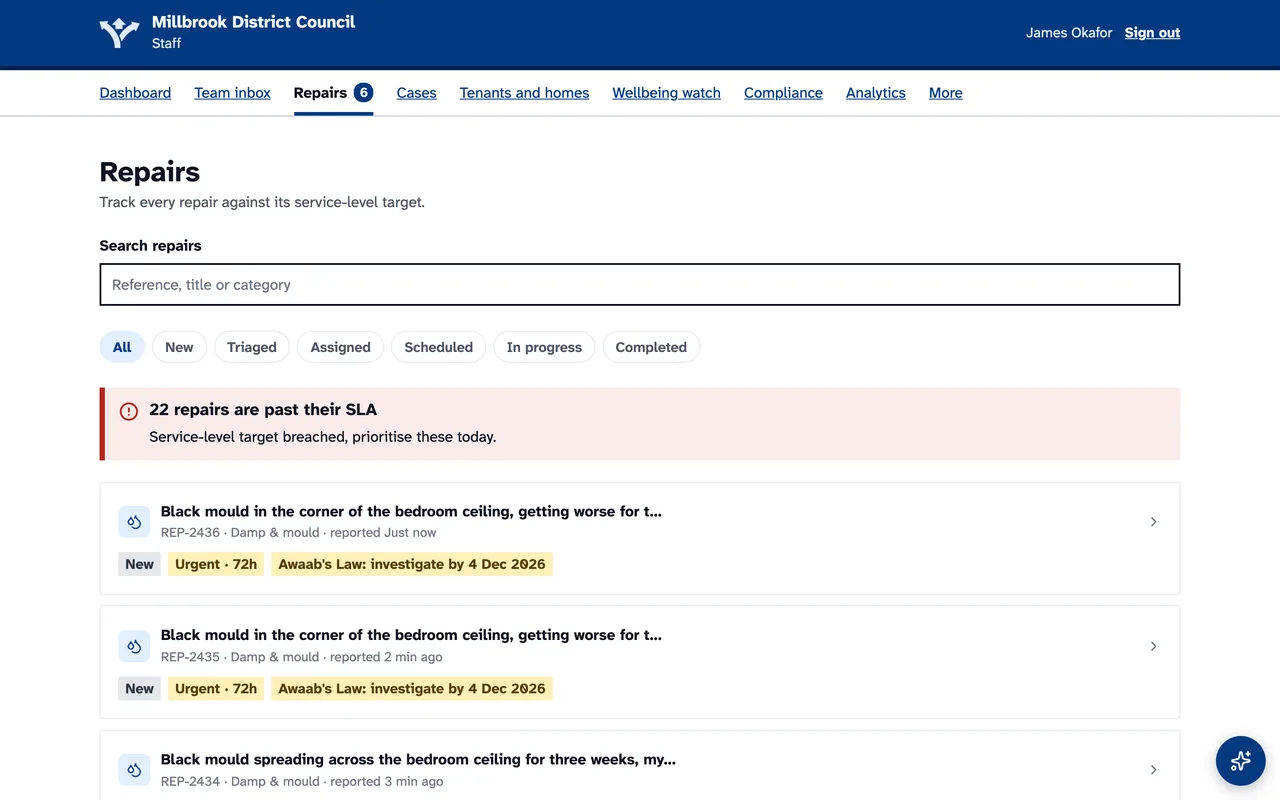
Repairs and deadlines
Every repair with its priority, its status and its Awaab's Law clock.
Cases and risk
Priorities, risk levels, a written summary and a ranking of the tenants most at risk.
Team inbox
One queue for tenant messages, with replies drafted for staff to check.
Inspections and compliance
Live checklists, empty homes, keys and compliance records with each home.
Analytics and TSM
How the service is doing, and the Tenant Satisfaction Measures ready to export.
Repairs, checked for urgency as they arrive
New reports arrive already checked for urgency, with damp and mould and emergencies marked. Staff confirm or change the AI's view, book the visit and send the contractor a secure link to the job.
Cases that do not slip
Each case has an owner, a priority and risk level, tasks with due dates, notes and a summary of where things stand. Closing needs an outcome and what was done, and whoever is given a case or a task is told.
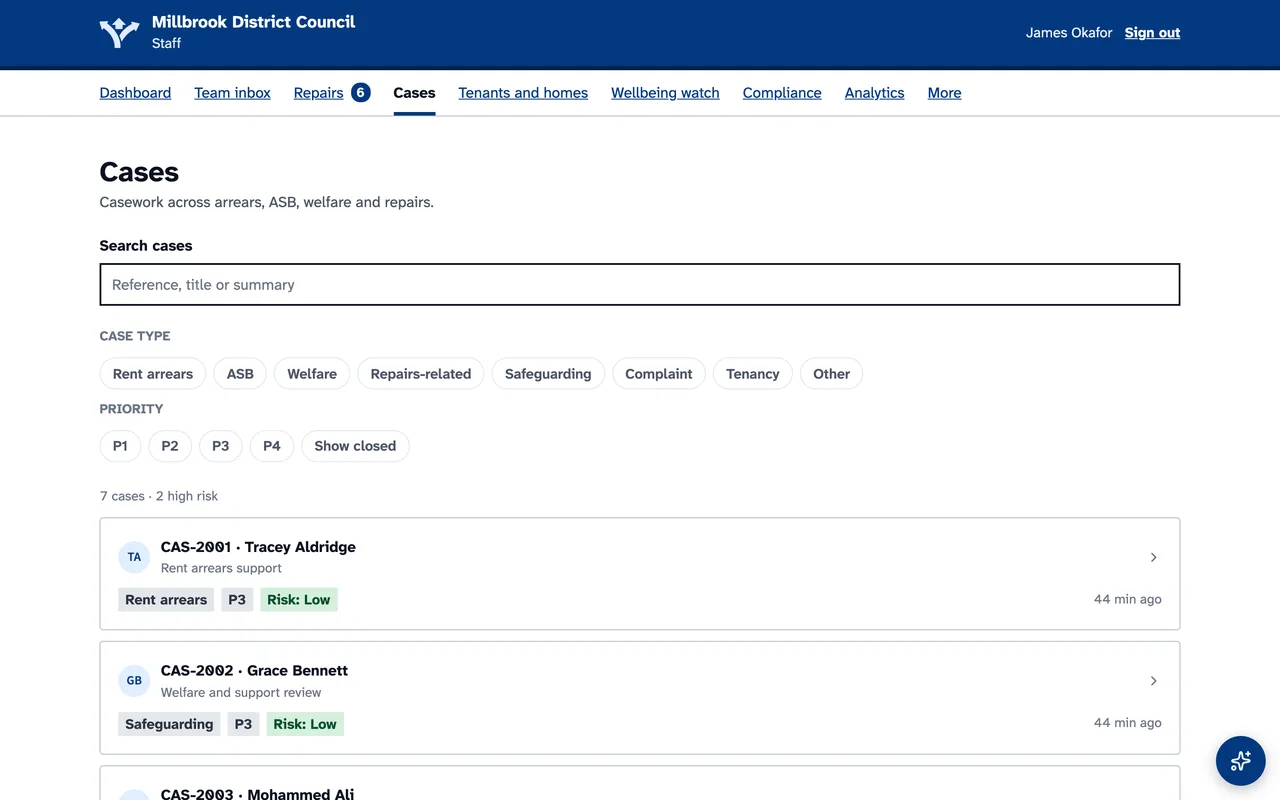
Screens shown with demonstration data.
A role for everyone
Organisation admins, managers, team leads, housing officers, support workers and read-only partners each see only what their role allows, an officer can be limited to their own patch, and a read-only partner can never change a record.
Your rules
Your own repair targets and the modules your tenants see, escalation rules and support pathways, policies signed at first sign-in with a drawn signature or a typed name, tenant lists brought in from a spreadsheet and a severe-weather mode the whole team runs, with every welfare check recorded.

See HOUSING-iQ with your team
Tell us about your homes and your tenants, and we will show you HOUSING-iQ working the way you do.